A lesson planner built for homeschool families
Plan your school week, track lessons across multiple students, and keep everything in one place. Free, open-source, and runs on Windows.
Plan your school week, track lessons across multiple students, and keep everything in one place. Free, open-source, and runs on Windows.
Built to match how homeschool families actually work - different students, different schedules, different pace.
Each student gets their own color, subjects, and schedule. Plan Emma's 5th grade and Liam's kindergarten at the same time without them getting mixed up.
Set a subject to run every weekday, only on specific days of the week, on exact dates, or add lessons manually. The schedule is yours to define.
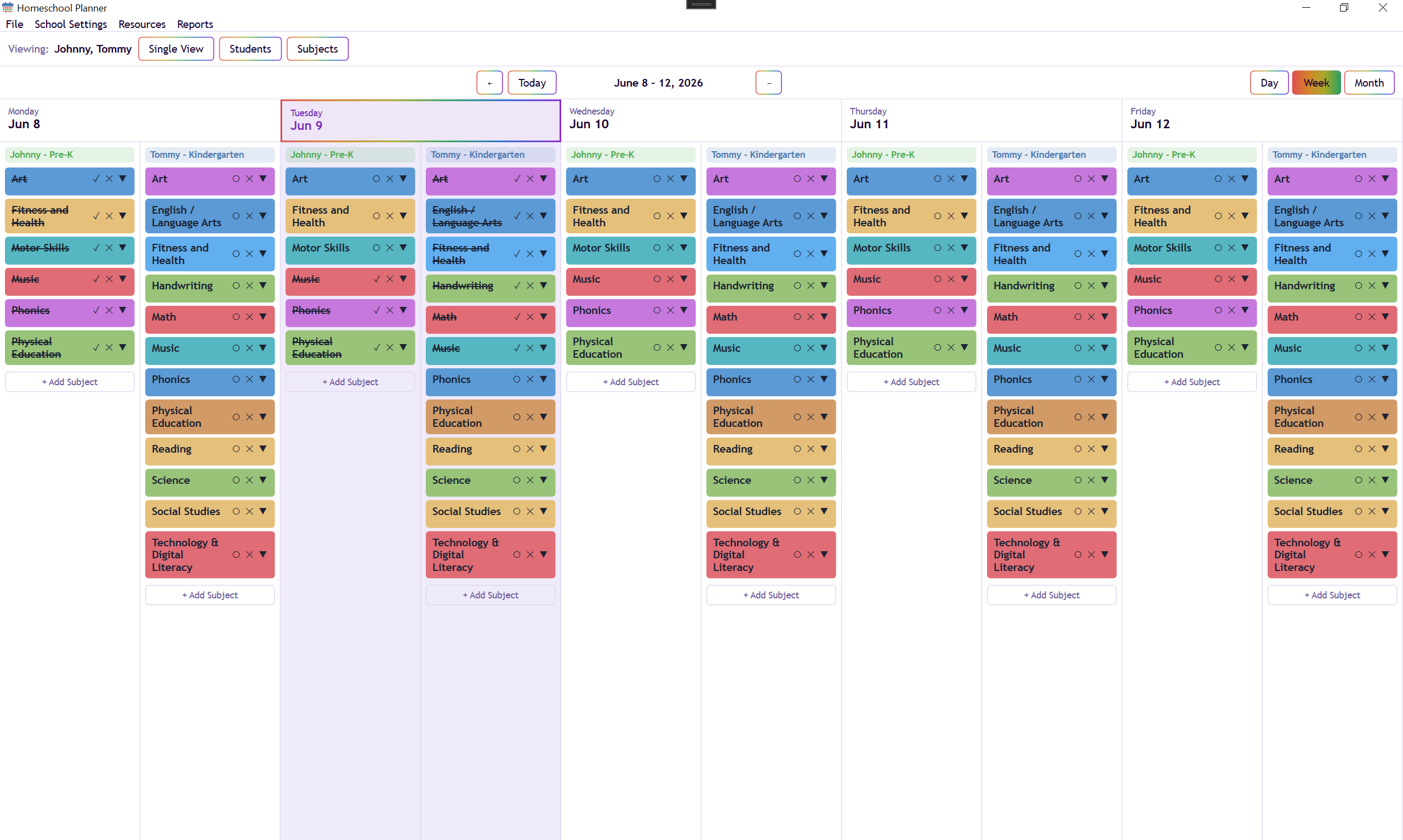
Each lesson has a title, notes, and a completion checkbox. Mark lessons done as you go and see at a glance what's left for the week.
Attach URLs and files to any subject. Textbook links, curriculum PDFs, YouTube playlists - keep them here so you're not hunting for them mid-lesson.
Switch between views depending on what you're planning. Use the month view for big-picture scheduling and the day view when you're working through a single day.
Ships with light, dark, and pride color themes - pick the one that fits your style. Your choice is remembered between sessions.
Three views, each useful for a different part of planning and tracking.
All of today's lessons for every student in one list. Good for walking through the day as you go.
A grid of the whole week by student and subject. Color-coded lesson blocks make it easy to see what's scheduled where - and what's already done.
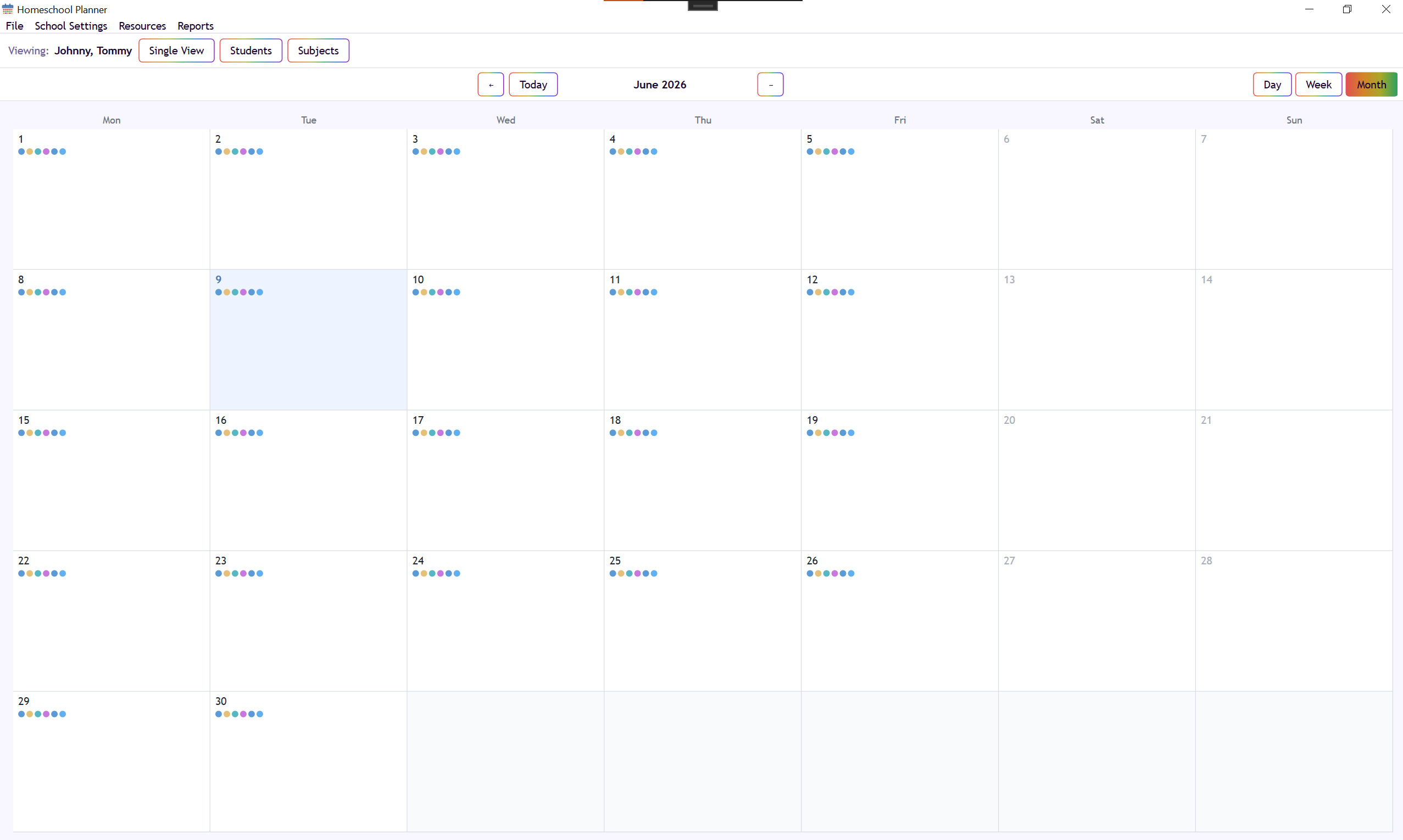
See the whole month at a glance. Color dots show which subjects are planned on each day so you can spot gaps and plan ahead.
Open source under the MIT license. No account, no subscription, no data leaving your computer.